Showing posts sorted by relevance for query minecraft. Sort by date Show all posts

Sunday, 16 November 2014

How to get Started with Minecraft Pocket Edition in the Classroom

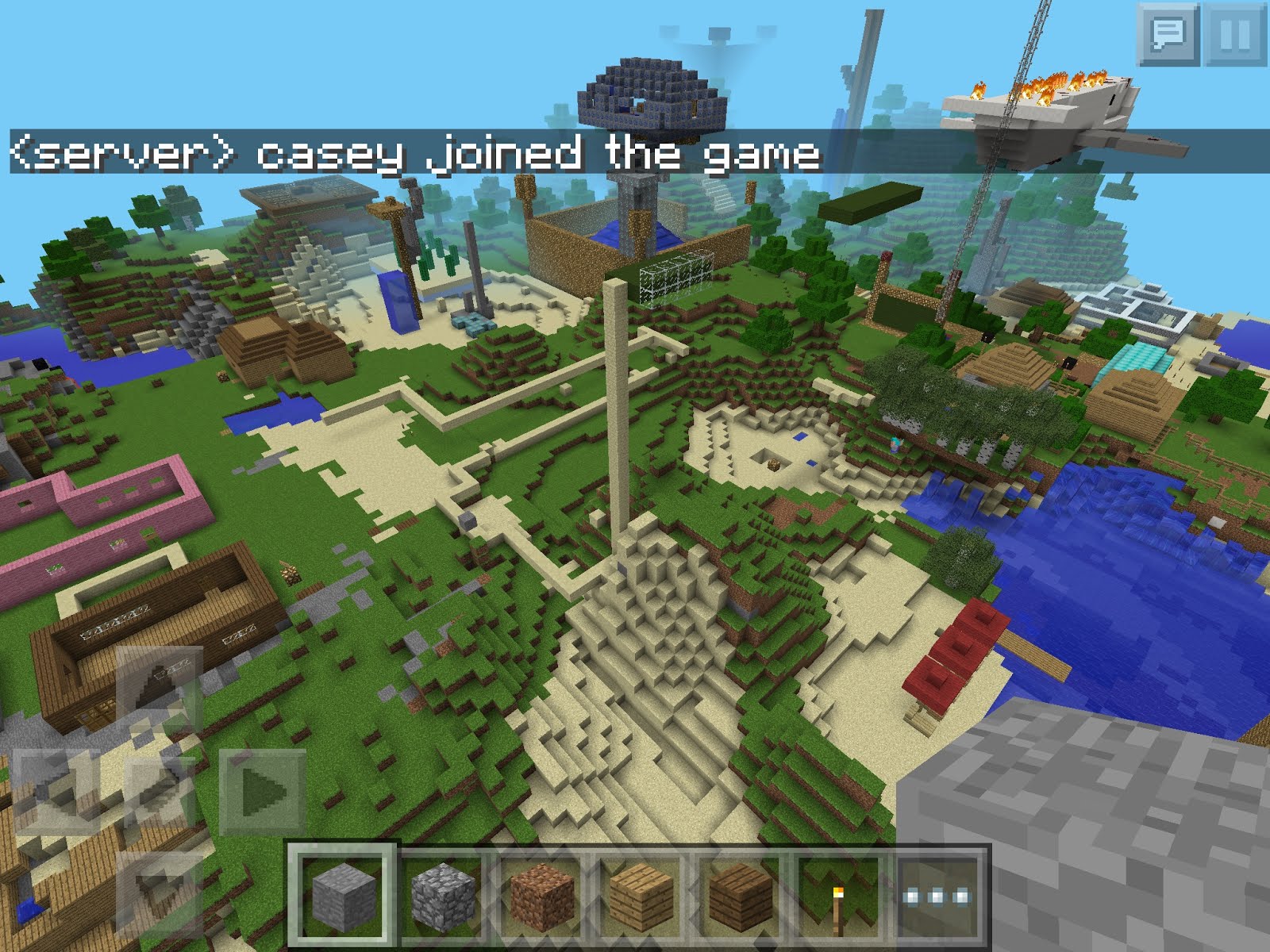
Minecraft pocket edition is an excellent resource that is available to teachers that have iPads or Android tablets in the classroom. It is not a cheap app to purchase, but it is well worth the $9.99. This is a quick walk-through of how we got started with Minecraft Pocket Edition in our classroom. This is not meant to be explained as an "expert", which I am not, but as a person who is "working in progress".


Last year I began using Minecraft in the classroom. It was easy to access because students brought in their own devices, making it easy to allow the students to use it in class. Just because something is easy however, doesn't mean that it should be used. So I really had to sit down and think about how it could best serve a purpose in my classroom practice, and in meeting the curriculum standards.


At first, students wanted to use it to do every task. This wasn't really the best practice, so we quickly learned when it was a useful tool, and when it was not. I feel it's important that students have a wide variety of digital and hands-on tools to be able to do their work, so it was important to me that Minecraft was not the only tool they used.


The first thing to get out of the way is to remove the verb "playing" and replace it with "using". The last thing we want students to go home and say is today I played Minecraft all day. What we hope they will say is I was using Minecraft to create an ancient civilization with the knowledge I have learned from doing research. I used Minecraft to create that so that I can share with my class in a live presentation where we virtually toured the city.


The second thing to get out of the way is that we never use Minecraft as a free-time activity. It is never something to just play at school, or to fill in the time. It is a tool that we use purposefully to further our understanding of a concept, or to share our learning about curriculum.

Here is a poster about how we use Minecraft in the classroom:


With that in mind, let's take a look at some of the activities that have proven successful and would allow you to quickly get started with Minecraft in class.

Creating:

There are many math challenges that can be presented to students is a Minecraft activity. After they've learned a concept and shared it in a variety of ways, you can offer to them Minecraft as another method to share their learning. I find this works best, by not giving them the actual test to do, but rather by giving the challenge can you share this in Minecraft?


Students can represent fractions:

Build graphs:

Share addition, and subtraction strategies, represent multiplication facts.

Represent time: 


Share reflections, rotations, and translations:


Create patterns, share representations of area, perimeter, and volume. 

These are just a few ways that Minecraft to be used in in the math classroom, there are many more but try these to get started.


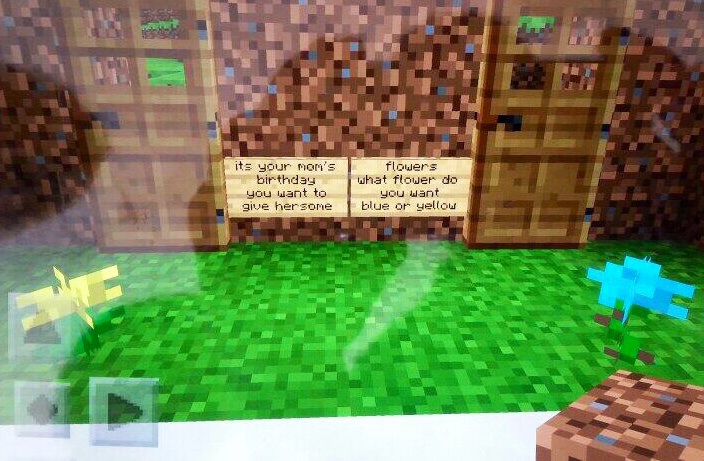
In Language, last year we created "Choose Your Own Adventure Stories" with Minecraft. 

The students wrote the actual story in the landscape of the world that they were in. They created a story that had alternate storylines, alternate endings and it all worked within the world. Minecraft can also be used to share the setting of a story there reading class, or to do a book report when they're finished a book, sharing the most important things they learned in their book in Minecraft.


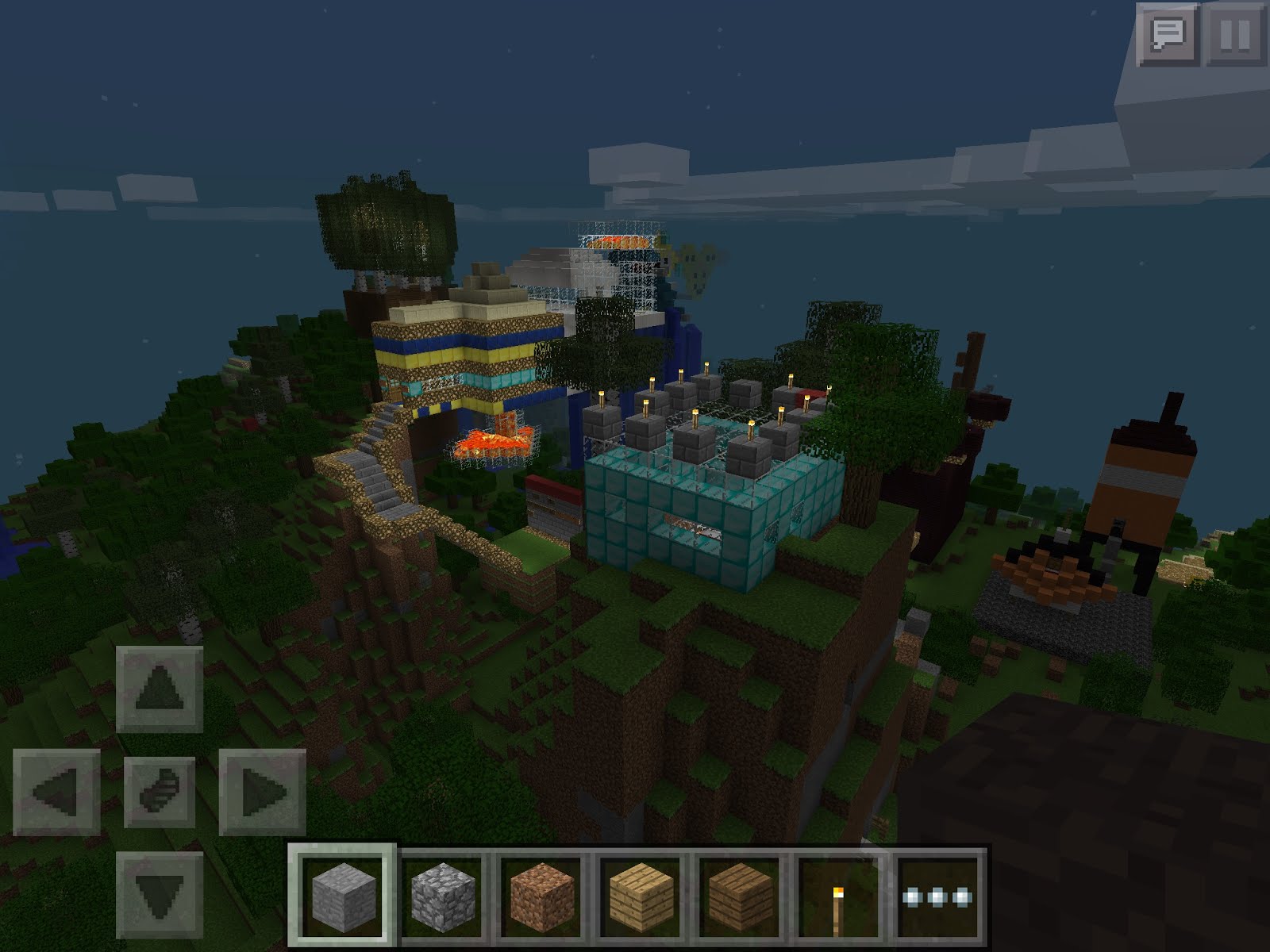
Social Studies seems to be a perfect fit for Minecraft. There's so many different ways that they can represent their learning in Social Studies, by building and representing what they've created in Minecraft. Last year my students shared about what would be found in each of the provinces and territories of Canada, they created Ancient Civilizations, they created an Aboriginal Village with a longhouse, and they created both in urban and rural landscape in the Minecraft world.


Science concepts can also be shared in Minecraft. Students have created visuals to represent sound waves, inner ear diagrams, internal organs complete with labels and used it to present to their class.


Presenting:
So they have created something in Minecraft, but now how do they go about sharing it? We have used a variety of tools, it usually starts with taking screenshots on the device, and then adding those images into another up on the device.


We regularly use Skitch, available on Android and iOS, where we load the picture in and then use the arrows and different ways of making notes to share our understanding and to represent the different parts of the image we've created Minecraft.


We use iMovie, where we load the images into either a trailer, or an iMovie itself and do a voiceover explaining the different things were created in our Minecraft world.

Titanic from Scott McKenzie on Vimeo.


We use Google Slides/Presentation, although you could certainly also use Keynote, or even PowerPoint to share the images with both words on the screen, and presentation notes in order to do the presentation to the class.


This year, we have been using Green Screen by Do Ink, which allows the students to virtually be standing in their Minecraft world giving a tour much like a movie.


Pairs of students can also do a live presentation to the class, with one student taking a turn actually driving the students through on the screen as it devices hooked up to a projector and the other student stands at the front explaining what's happening then they switch and continued to explain so that both students get an opportunity to present to the class.


Sharing a World with Others Local, and Abroad:
Sometimes, we want to have the students working in the same world with other students. This is easy to do on the full computer version, but can be more challenging when using Pocket Edition. The secret is using an application called Pocketmine. It can be downloaded and used as an app on a smart phone, or it can be downloaded and used on a Macintosh computer, or a Windows computer. It allows you to run of a virtual server that runs a world in Minecraft where students can join from different devices, and from different places. Students from other sides of the world can join your world if you set it up properly. There are various tutorials online to help you set up your server.

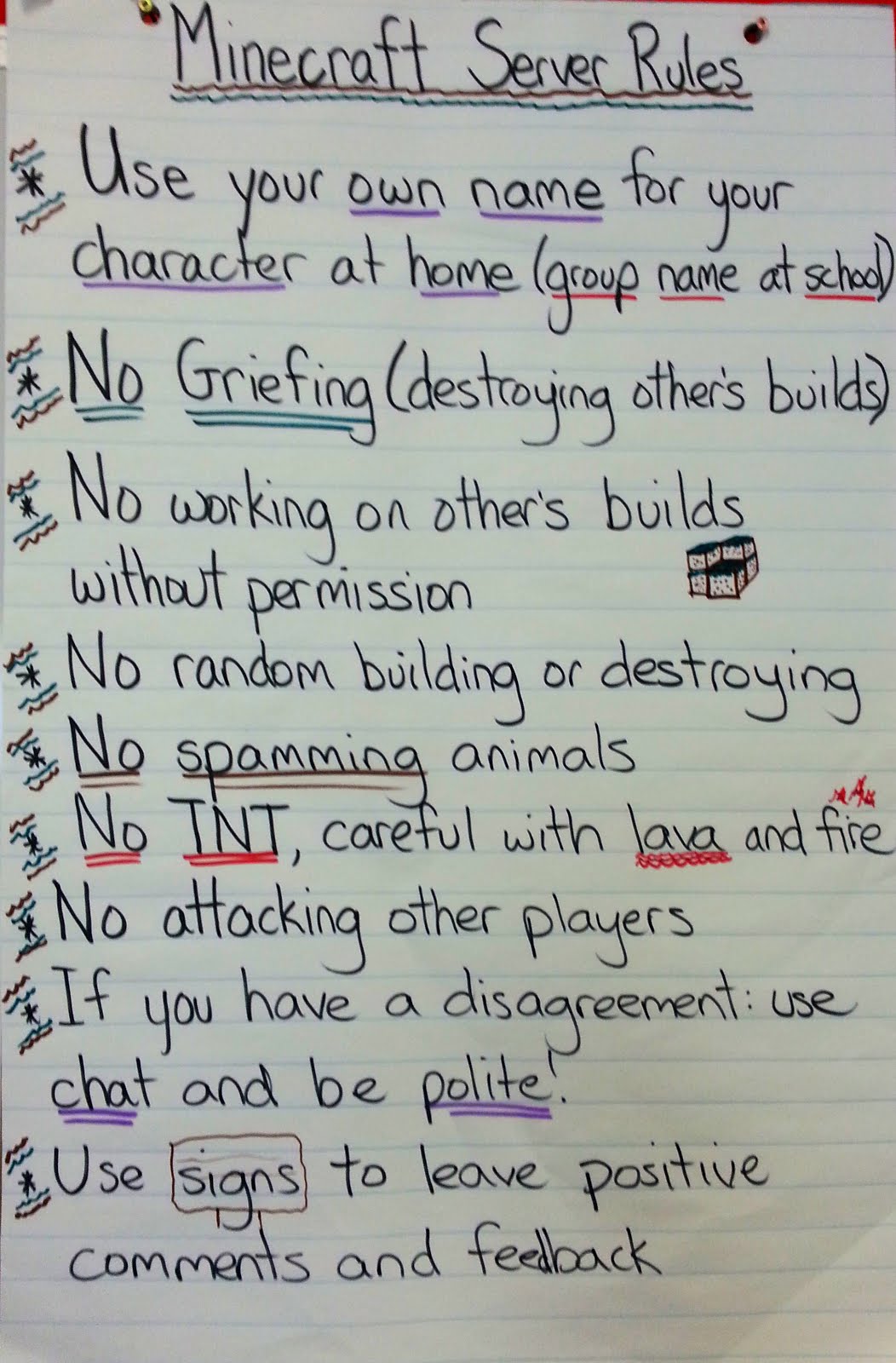
This is a poster we created with some Minecraft Server rules:


This is not meant to be an exhaustive list, there are many other ways Minecraft can be used, these are just ways to get you started. I hope there is something helpful here for you, and I wish you well on your journey into a blocky, exciting classroom of opportunities!

Friday, 11 April 2014

How Minecraft has Enhanced Student Learning (explained with the SAMR model)

This year I decided I wanted to try Project-Based Learning in my class. I knew that technology would enhance this approach, and I was ready with iMovie, Explain Everything, Educreations, Skitch, Haiku Deck, Google Sites, Wikis, ect. The previous year my students had made use of all these tools, and had learned to choose the best one for sharing their learning. I was missing a big one however…
A student approached me in class and asked if he could create an activity in Minecraft Pocket Edition. A 3D building block game on his iPod.  I wasn’t sure how it would work, and I felt it would take him far too long to complete. But I gave him a chance, and I was impressed with how quickly he was able to work. This student had difficulty with reading and writing at grade level, but in the span of 10 minutes he had created everything in three-dimensions that other students had created 2D on paper. He has difficulty with letter reversals, but every letter he had built was correctly represented. I was impressed.
Next we began using Minecraft to supplement other activities and ways of sharing our learning. I challenged the students in my class, I wanted everything they would normally present with a poster, or report. They easily surpassed my expectations, modding, and hacking the concept of a report. Instead of just writing information on a wall in Minecraft, we were being taken on a tour through their project. There were information sections embedded throughout the tour, and working models of what they had learned about. Everything important had been included and shared. Here is a tour of the Titanic by one of my Grade 4 students:

A lot of Problem-Solving opportunities arise as well. Recently, a few student were completed their work early and I gave them a class challenge. We were working on telling time, and measuring time and I wanted time to work with those that would need extra help in class.


“When you are finished… see if you can create a clock in Mincraft… That works!”


At home this might be possible when they are working on the full powered Minecraft application, but Minecraft P.E. has limits as it is designed to work on portable devices. An alternate was to create a clock in Minecraft that was telling a particular time, or show measurement of time.


There was near silence in the room as students finished their work. Occasionally they would confer with each other sharing a strategy, or design that was working. These mini projects were all completed in about 20 minutes.

This student created a sand clock, that cleans up after itself, so that it can be used over again:

Here is a student who created a “working” clock. It isn’t accurate (to scale) but he has “hands” moving at second, minute and hour intervals:


This student had a similiar idea. I challenged him to see if he could build his clock to scale. He went home that night, and returned the following day with a successful model:


These girls worked on measuring time. They created two clocks, and showed how much time had elapsed between the two clocks:


Social Studies just seems custom-made for Minecraft. The opportunities are endless. Any place you learn about can be recreated in Minecraft. Here is a Medieval Village shared in Minecraft:

I have tried to use Ruben R. Puentedura's SAMR model this year to look at how I am using technology in my teaching. The SAMR model helps us to reflect on whether or not we are making full use of the possibilities with technology.


I thought about how Minecraft had changed the possibilities for Report Writing/Presentations:


The lowest level is Substitution: 
-tech acts as a direct substitute  
-instead of writing report on paper, students type on computer.

The second level is Augmentation 
-direct substitute with functional improvement 
-importing images from the internet into their report

The third level is Modification 
-tech allows for a significant task redesign 
-for me this is where Minecraft comes into play 
-students started by creating 3D models of what they were learning about, then took screenshots, or short video clips and used them in reports

The fourth level is Redefinition 
-tech allows for the creation of new tasks, previously inconceivable 
-creating a report inside a game, writing the important information through each level, or learning space in the 3D environment
-NEW PRESNTATION MODE: sharing that world on a projector hooked up to their device, flying through their created project and visiting each area of important information 

The best part of it all is that I am not the clever one here at all. I didn’t move up through these levels, I just challenged my students to improve their design, and explain their thinking clearly, they did the rest. I didn’t move through the SAMR model, my students did… with Minecraft.

These are some other blog posts I wrote on the use of Minecraft in class this year:

http://technorookie.blogspot.ca/2013/10/minecraft-motivation-factor.html

http://technorookie.blogspot.ca/2013/10/minecraft-in-math-problem-solving-and.html

http://technorookie.blogspot.ca/2014/02/awesome-ideas-project-based-learning-by.html


Saturday, 12 October 2013

Minecraft: The Motivation Factor

As an educator I have always believed that if you want students to rise up to a certain level of achievement, you first have to go to where they're at. If you want them to be interested in what you have to teach, use what they're interested in, and half the battle is already won.

About a month ago I had a student approach me in class. We are a BYOD (Bring Your Own Device) class, and students have several digital options for completing their work. This time however, my student asked me a question no one else had: "Can I show you my work in Minecraft?"

My first reaction was to say"No!", but this was a student who has had difficulty in sharing his work in class due to real learning challenges with reading and writing. We were trying different digital alternatives, but this was not something I would have suggested.

I said: "Sure, why not. You are a smart guy, lets see what you can do." 

Boy, am I glad I said that!

He shared his work, and he built the words out of blocks, and created images with the different blocks that represented the concepts we had just learned. This student would often reverse, or flip letters when trying to spell them on paper, in Minecraft, he constructed them perfectly in 3D blocks.


He learned the concepts, and he could retell the important characteristics of the four soil types. I was impressed. 

The students in my class love Minecraft. It is unlike most video games. It is very open, meaning that their are a lot of options available. Whole medieval villages have been built by high school students, for elementary students to tour through and learn about medieval times. 

Our class is creating a play, writing scenes based on characters from a book we enjoyed in class, "Wayside Stories at a Sideways School" by Louis Sachar. We decided to use Minecraft to construct the scenes from our play. The school is thirty stories high, and has a very large playground. I gave the go ahead, and expected to get a few rooms that we could use for backdrops (draw out onto cardboard backgrounds). I got so much more!

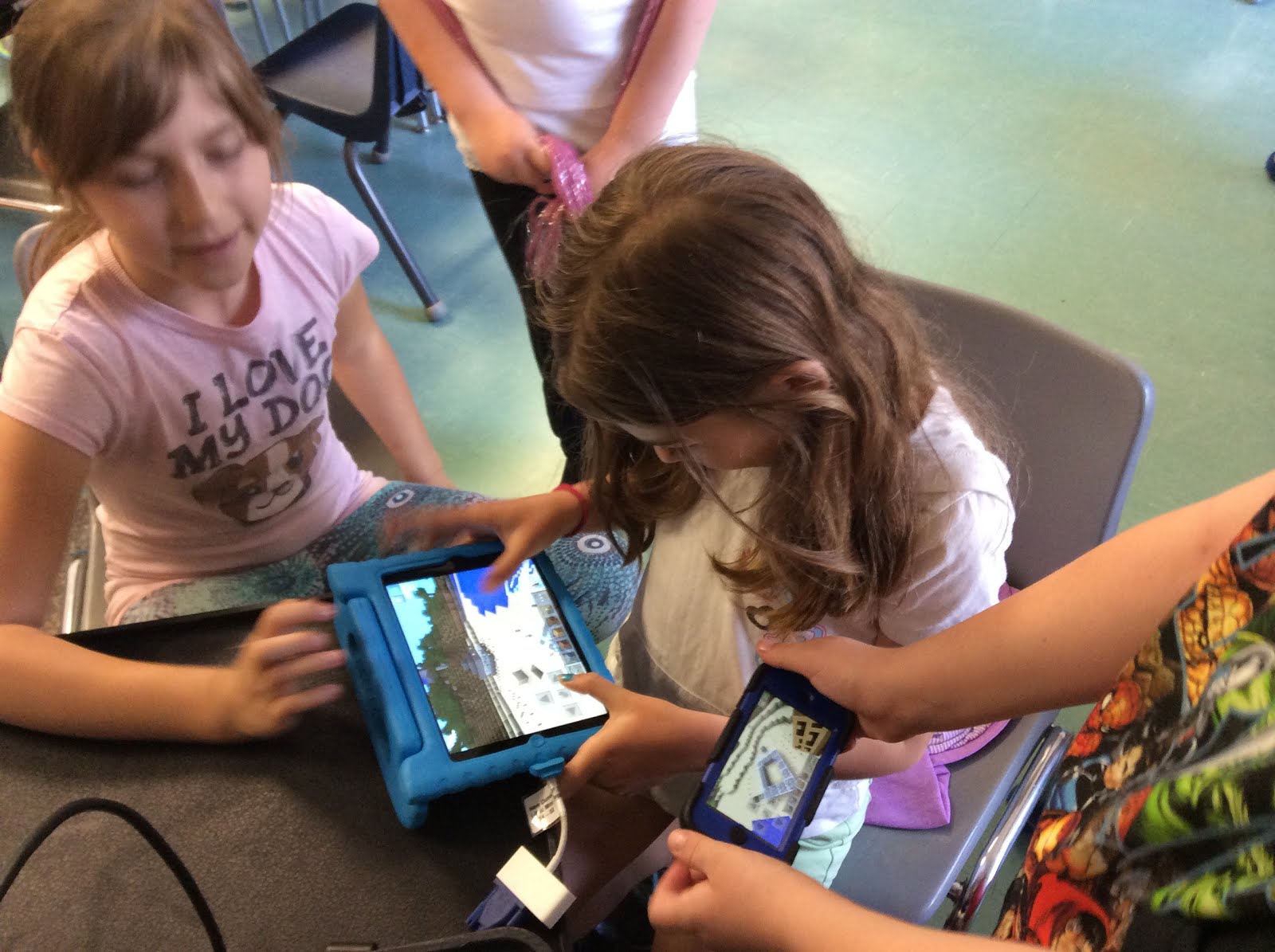
Students worked collaboratively, huddled around the iPads, iPods, and Galaxy Tabs. They helped each other get started, showed how to achieve different objectives, and ensured that everyone was being successful. Students that had never used the game before were working in three dimensions, building the library with books, placing signs on the wall with sayings from the story. They were upset when nutrition break snuck up on them. They wanted to keep working.

Students were going home and continuing to work on the school and the school yard at home. Students were problem solving when challenges arose. 

"Oh, no! water is in my classroom, it is flooding!"

Someone quickly swooped in to help, not to do it for them, but rather to teach them what went wrong and how to solve the problem.

Thirty story buildings were constructed, playgrounds were complete, and some students that couldn't sit at their desk and brainstorm/write out their scenes, were suddenly running up to tell me the whole scene they had "written out" in Minecraft. As they constructed the props, and walls of their scene, the story came together for them, and they knew what they were going to write about.

Now we are going to experiment with projecting our Minecraft backgrounds onto the stage with a projector. Digital backgrounds. Will it work? Who knows, but we will have fun problem-solving, learning from our mistakes, and moving towards a successful play.

Is Minecraft in the class a smooth, perfect ride? No it is bumpy, it is messy, some things have worked, others won't. Is it the only way we are going to learn. NO! There are tons of fun ways to build and share our knowledge, but it is definitely another tool to add to my toolbox of teaching strategies.

My next idea is to try 3 digit addition and subtraction with the Minecraft blocks. Different colour blocks to represent the Hundreds, Tens, and Ones. If it works, I'll let you know.

Friday, 30 May 2014

Great Learning is Messy, But Fun: A Minecraft World with Friends from Korea

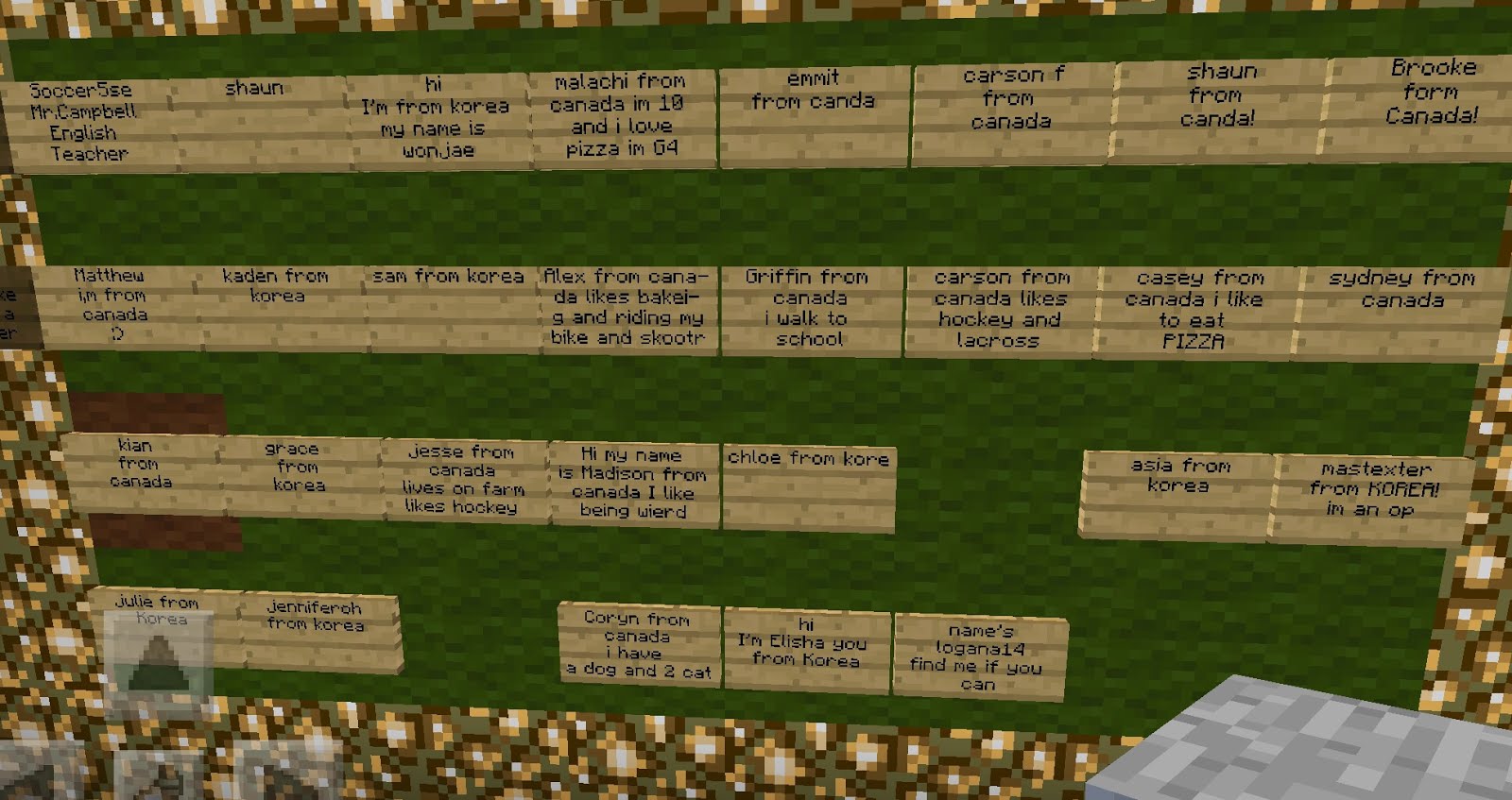
So my class recently linked up with a class in Busan, Korea. I met an excellent teacher through my PLN on Twitter. Mr. Richard Campbell @IpadEFLTeacher runs a school there and he is enthusiastic about the learning opportunities with Minecraft. We decided to have our classes work together in a linked Minecraft world where they would create something together.
image.jpg
My class had tried several activities in Minecraft this year, but we wanted to try something new. We came up with the idea for "Choose Your Own Adventure Stories". The students were turned loose in the world to start creating the setting for their stories. Like a lot of learning we have done this year, we played a bit before we set restrictions on anything. That makes for a messy start to many activities, but it also allows the students to be involved in setting the criteria for the learning adventure they are embarking upon.
image.jpg
It wasn't possible to turn the world off at night, because that was the Korean student's daytime when they were working and building. So the world was always open. That allowed for many neat opportunities. Students from Korea and Canada would normally not be able to meet, or communicate directly due to the time difference in their school days. But because students were able to go on and work at home, they were able to meet the Korean students and build with them in the evenings, and early morning. Yes, you read that right, they were voluntarily working at home building and creating this world for their stories.
image.jpg
Of course, this is where it got a little messy. As they were working outside of school hours, there was some challenges in working together. We met up at school the following day to talk about "spamming" animals (making so many that it interferes with other player's work) and "grieving" (destroying someone else's build). We sat together and came up with the rules for working together on the same world, and I was really proud of the students. We didn't accuse anyone, or mention specific offences, instead we decided what rules would help us to work successfully in the world.
image.jpg
A couple of students became OPs. This gave them control of how to change things in the world. One of the OPs had caused some of the damage at the beginning, he became the most fair adjudicator of issues in the game, helping others to avoid problems before they became bigger.
image.jpg
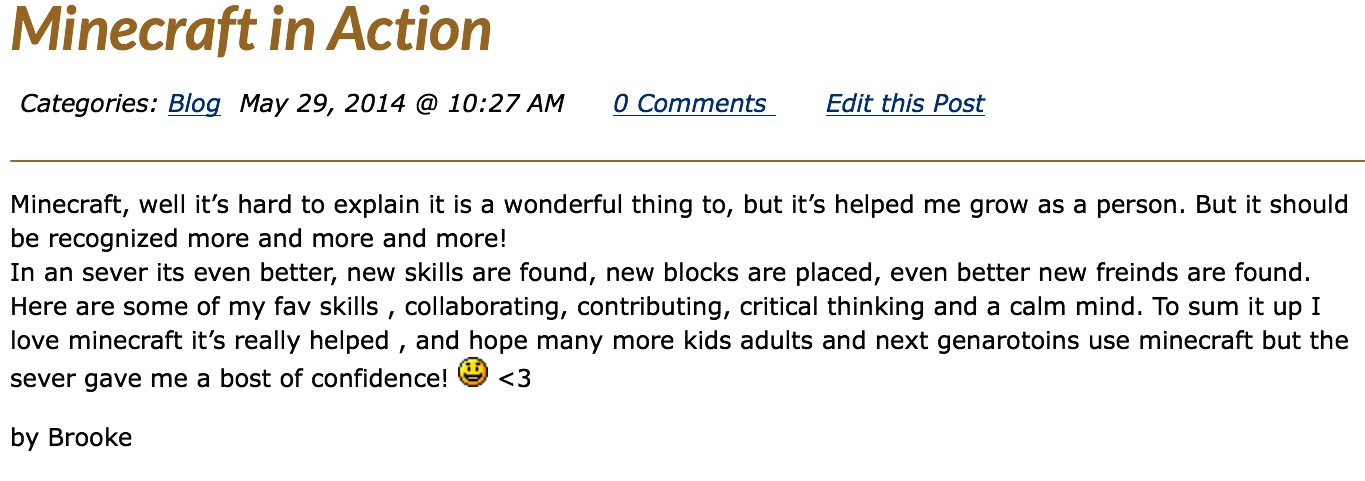
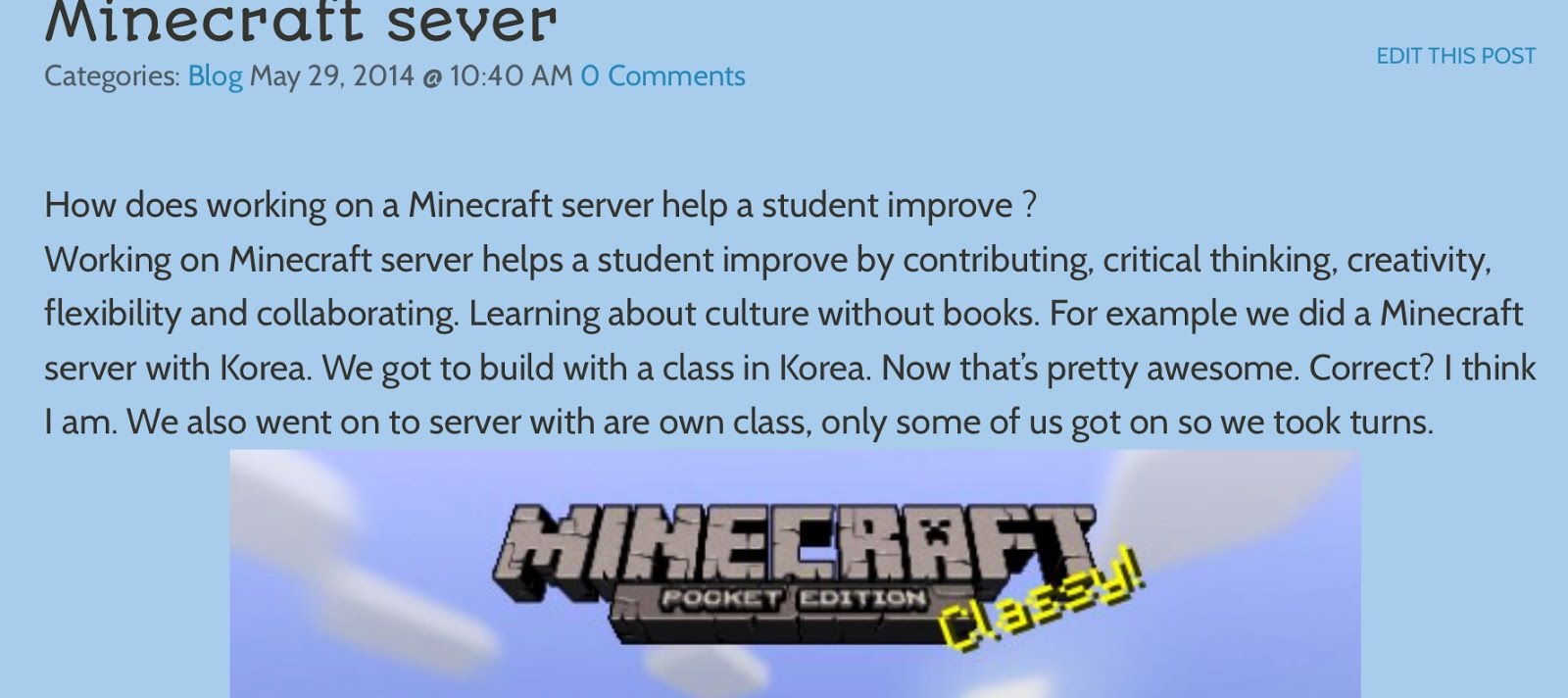
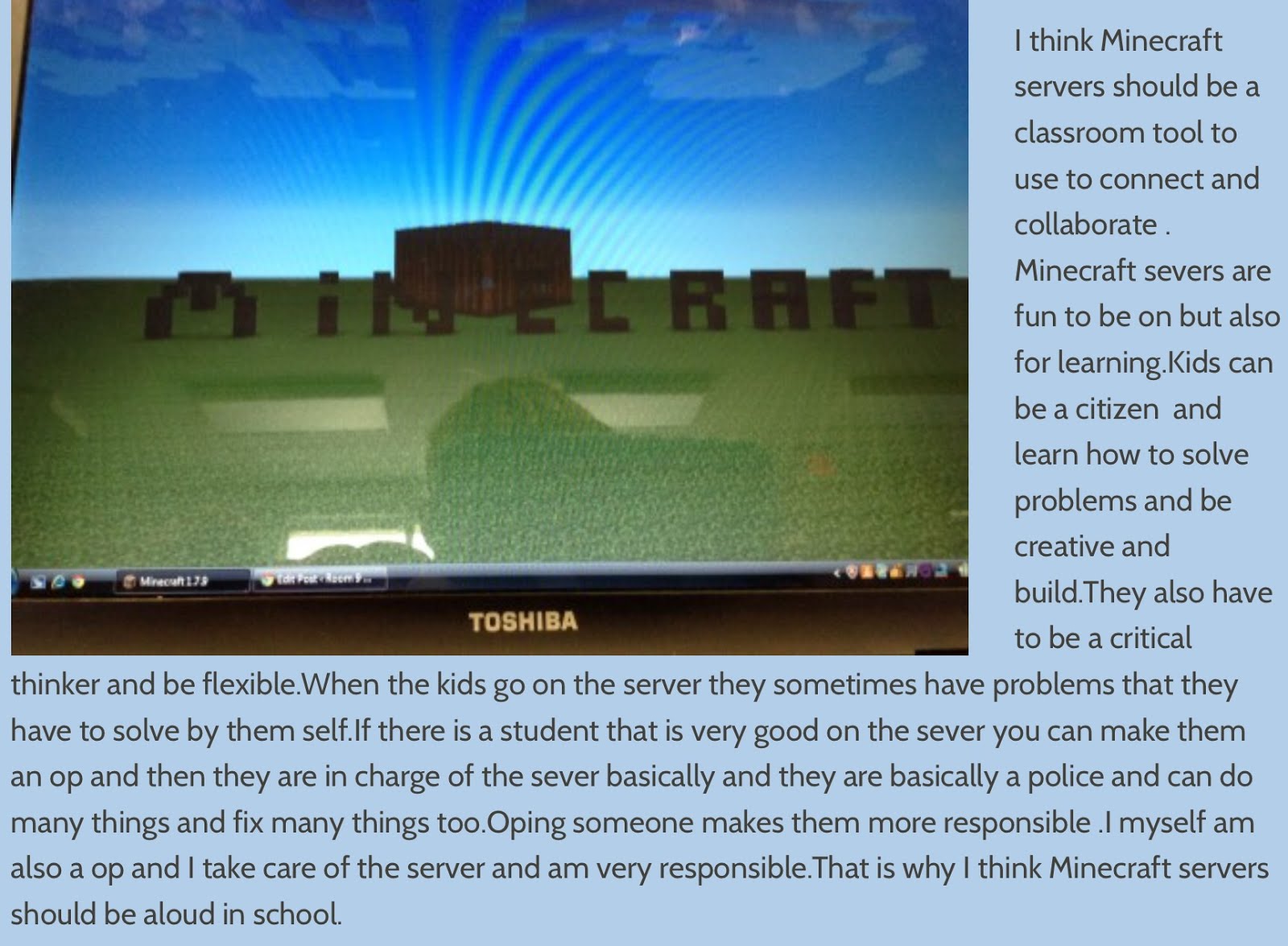
We decided to write about our successes using a shared world in Minecraft. We tried to think of the skills we were developing working together in this world. Here is some of the writing students shared:
image.jpg
image.jpg
image.jpg
The shared Introduction Board for students in Korea/Canada:
image.jpg
I think this has a lot of potential for international classes to work together, even when the time zones don't match. Next year my class will hook up with classes across the world, I think Minecraft will be one of the tools we utilize. We will be able to work inside the same world, collaborating and building our ideas together.
Kinda reminds me of the song...
"It's a Small World After All"!

Friday, 25 October 2013

Minecraft in Math: Problem Solving and Failing without Fear

I noticed something a little peculiar this year. Whenever it was time for math, there was an almost universal groan. My class had a phobia, there was a real fear of failing. When doing a problem in class, if they did not get the correct answer on their first attempt, students felt that it was too hard. They were so worried about getting something wrong, that their creative thought process was stymied.

There had to be a way of motivating the class to feel like they can take on the challenge of math, and to do so with a positive attitude. I tried to think of a situation where children regularly have to problem solve and fail in order to figure things out. With a built-in structure that allows them to start over until they find success. 

Video Games!


Video games have a built-in structure that challenges the player enough to make the game interesting, and to make them want to succeed. But when they fail, they are able to start the level over with confidence, and knowledge gained by their progress in that level up to that point. Video games help them to accept failure and realize that by persevering, and learning from their mistakes, they can succeed. 


I wanted to engage the students using real life math and by attempting to use Minecraft for creating our graphs. We graphed the results of our food drive. As they created their graphs errors were made, but the groans and furious sounds of erasers rubbing out mistakes was gone. Students calmly smashed blocks that weren't working, redoing their graph with nary a complaint to be heard. The expectation was that it wouldn't all work perfectly the first time and they were prepared to back out, see the big picture, and swoop back in to rebuild their graph.


As a BYOD class, there is never only one way to complete a task. Students had the option of using Minecraft, interactive whiteboard apps, or paper and pencil. In some instances students showed their work in two different ways to decide which worked best. 

It was not universal, diversity reigned. Some students preferred making the graph on graph paper, some liked the graph paper background in Educreations, and others liked the constuctivist approach of Minecraft. At the end of the day, everyone had successfully created a graph. They had succeeded beyond my expectaions, and they were eager for the next challenge in Math.

Sunday, 6 March 2016

Creative Writing Activities with Google Sites and Minecraft: How to create Dynamic Choose Your Own Adventure Stories


Google Sites is an excellent tool for students to use because it works equally well on computers, Chromebooks, iPads/iPods, and Android devices. It is both easy to get started with, and surprisingly customizable as well. 

The opportunities to share ideas, projects and writing are endless. Here are a few tips to get you started...

First let's get started with basic navigation around creating and customizing your website:
1. Make sure you are logged in to you Google account.
2. Type in: sites.google.com
3. Click on Create button, and name your site (you can customize the Header Name later, this is creating your unique address on the web).

If you are not in a GAFE environment, then you will have to prove you are not a robot. Students with GAFE get to skip this step.

4. Customize for smaller/bigger screens:
Click the Settings Gear Wheel 

Here are all the customizable options: select "Manage Site"
Scroll down to "Mobile" and check it to make your website mobile-friendly.
Create a website with 16 pages. 


Once you have created 16 pages, you will need to add the links to connect the pages of the book. This image shows you which pages connect to which pages for a 16 page story. Feel free to switch it up as you like, this is just a basic template to get you started.


I created a template for Choose Your Own Adventure stories on the Google Sites Template Gallery. 


How to locate the Choose Your Own Adventure Template:

Next:


Inspiring Images to Get Writers Writing
Now let's get past any chances for Writer's Block. Students love apps on their devices, especially games. There are several games that they could take screenshots from and they could then use the screenshots to write a story about the characters in the game. There are a lot of options to choose from, and their will always be newer games coming along. Some options are: Angry Birds, Plants v.s. Zombies, Geometry Dash, Temple Run, Leo's Fortune, Crossy Road.

Here are some sample images from Minecraft, and Epic Citadel. Their rich landscapes beg to be written about!


An Exciting Splash Page (Cover of your Book)
The "Home" page will be the cover of your book. 
Try designing something that will "pop" so someone will want to read your book.
Adding a .gif (moving picture) will keep the page from looking static.


What exactly is a .gif? Click here for more than you ever wanted to know about .gifs.
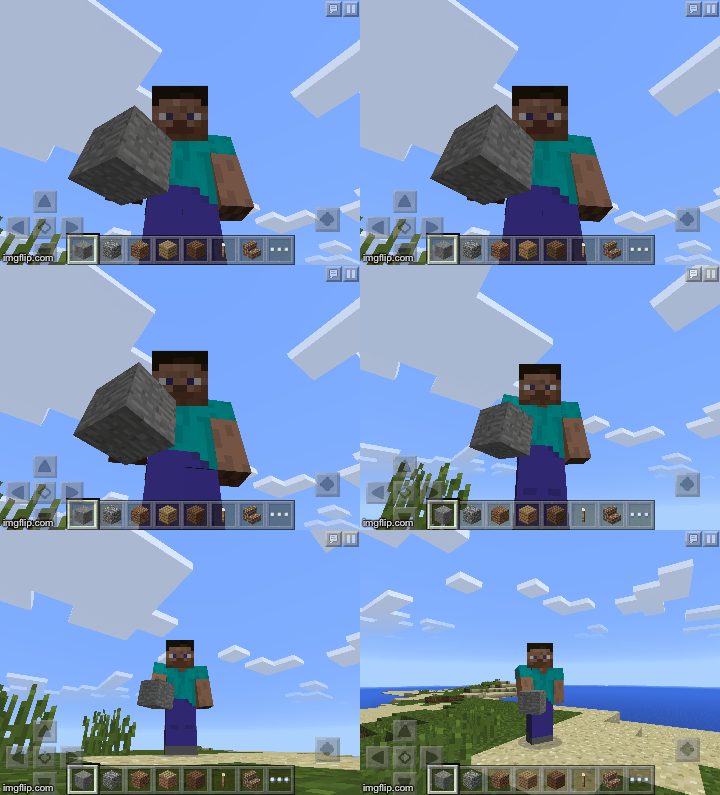
To create a .gif you will need a series of pictures. We will use Epic Citadel or Minecraft. 


Games with great imagery for stories:
Epic Citadel is free and available in the Play Store, or App Store.
Minecraft in $7.99 in the Play Store, or the App Store.


Getting Pictures:
To get pictures for a .gif, enter the app you prefer and find a scene that you can use for your story. Find a place where some part of the scenery is moving. Taking a series of screenshots will allow those parts to be moving in your story. If your character is walking then try to take a screenshot and move forward and slightly to the right, take another screenshot and move slightly to the left, and so on. 


If you do not have either app you can still make a .gif.
Click here for images taken in Epic Citadel.
Click here for images taken in Minecraft.


Creating Gifs:
To create your gif:
Make Gifs online (upload to cloud):

This works on mobile devices, and Chromebooks/Computers.
Once you have uploaded your images to create the .gif, 
make sure you select and copy the Image HTML link: 

You need to switch the view on your webpage to HTML rather that Text. 


Once you have selected this, find the spot you want to add the .gif, and insert the code there. 


Update it and check that it works, by saving and viewing the page.

After you have copied the IMG HTML code, make sure to paste it somewhere for reference later, as sometimes the .gifs become mysteriously static after a while. I always save these HTML IMG links in a Google Doc for easy access if I need to reinsert them in the website. 


Adding Links to each page:
Now we need to add links for each choice when we get to the end of a page of our story. 
The nice thing about Google Sites, is that it is easy to link to different pages on the website. It is actually the first choice that comes up when entering links. 

Write sentences that give a choice of what the characters should do next:
"If you think they should enter the cave, click here."
"If you think they should head back down the mountain trail, click here"

Highlight each "here" and select the page where you will write that part of the story.


For each one, click the link symbol:


 then...

If that part of the story is a dead end, make sure you give a link to get back to the previous page, or to the beginning of the story.

Removing Navigation:
To make our website more like a book, we will be removing the navigation completely. That means the only way to advance is to click on links on each page of the story. Go to the Settings Wheel and choose "Edit Site Layout".
Click once on "Horizontal Navigation", and it will disappear. Click on Header as well, and it will disappear as well. 


Now it will just be a "Page" when someone reads your story!
Here is an example of a Choose Your Own Adventure" Site:


Finally:
Create a bookshelf website to house all the student's stories. 
Each story can be linked to the bookshelf page, along with a screenshot of the Book Cover.